
GTA 6 Beginner Tips: Start Strong in Leonida
GTA 6 beginner tips for launch day: settings, saves, money, driving, exploration and the mistakes that waste your first ten hours in Leonida.
Official source: Rockstar Games — Grand Theft Auto VI ↗ — "Grand Theft Auto VI is coming November 19, 2026 to PlayStation 5 and Xbox Series X|S."
Quick answer: Play the opening hours slowly, keep a manual save before every big mission, spend your first money on weapons and armor rather than cosmetics, and resist the urge to explore the whole map before the story teaches you the systems. GTA 6 is a long game; the first ten hours are a tutorial whether they look like one or not.
If you want to know how the confirmed launch details fit together, the GTA 6 launch hub→ is the next stop.
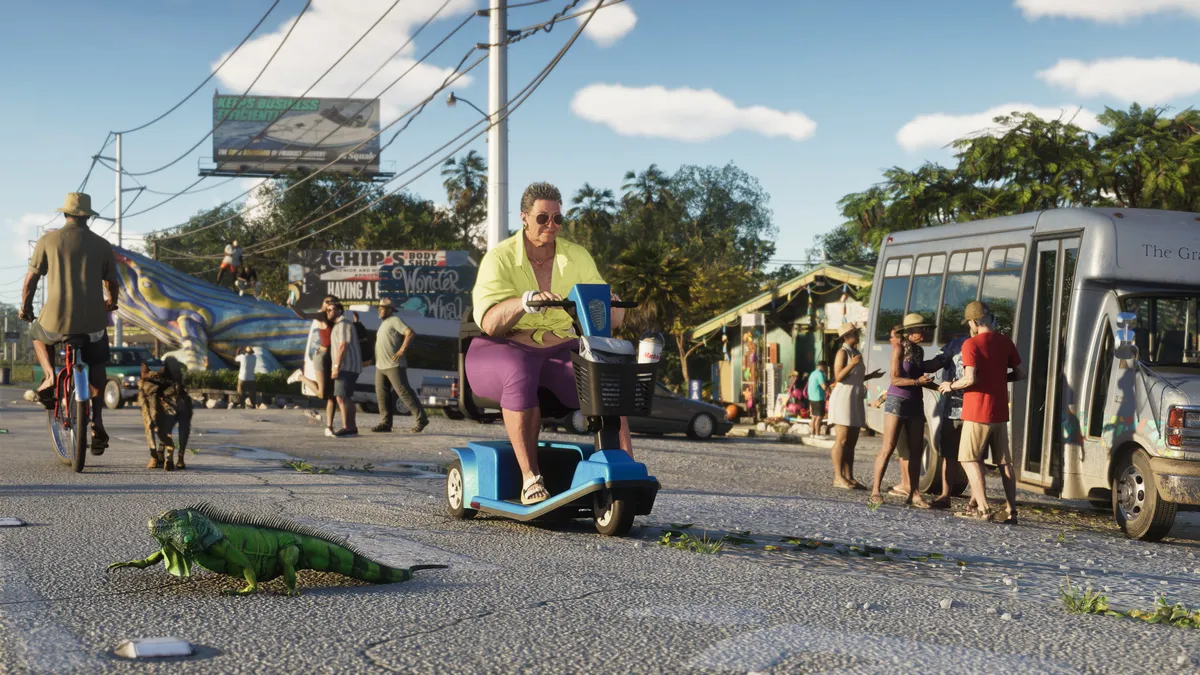
These tips are written for a fresh save on PS5 or Xbox Series X|S. They avoid mission names and story spoilers because Rockstar has not published the mission list. Where a system is still unconfirmed, the tip focuses on habits that work in every modern open-world game.
1. Finish the opening act before you freestyle
Rockstar's openings usually teach driving, shooting, cover and character switching in a controlled sequence. Skipping side content for the first two or three hours is not lazy; it unlocks the systems that make side content worth doing. Wait until you have a stable income and a personal vehicle before you start long exploration runs.
The GTA 6 controls guide→ explains how the PS5 and Xbox bindings map out.

2. Set up your display and controls first
Do this before the first chase:
- Pick performance mode if your TV supports 120 Hz or VRR. Driving games benefit more from frame rate than from resolution.
- Increase subtitle size. Leonida's radio and street dialogue is dense.
- Lower aim sensitivity by one or two notches from the default. Fine aim matters more than snap speed.
- Turn off camera shake if it makes long drives uncomfortable.
- Test the controller's adaptive triggers before a shootout. If the resistance is distracting, reduce it in the system settings.
Our GTA 6 controls page→ lists the expected PS5 and Xbox layout and explains which settings are worth changing.
3. Keep manual saves
Autosave is convenient and unreliable in equal measure. Make a manual save before every story mission that involves a planned score, a long drive or a choice. If a mission starts with a cutscene and no weapon check, that is exactly when you will wish you had a fallback.
Use two rotating slots. A corrupted or badly timed autosave is rare, but losing a 40-hour file is not a risk worth taking.
4. Spend the first money on survival
The launch economy is always tight. Prioritize:
| Priority | Purchase | Why |
|---|---|---|
| 1 | Armor and health items | Keeps missions from restarting |
| 2 | A reliable sidearm and one long gun | Covers close and mid-range fights |
| 3 | Vehicle upgrades | Brakes and tires matter more than top speed |
| 4 | Safehouse upgrades | Useful, but rarely urgent |
| 5 | Cosmetic clothing | Buy later, when money is stable |
Avoid sinking early cash into a supercar. The story hands you fast vehicles soon enough, and the handling model rewards brake control more than horsepower.
5. Learn the wanted system before you fight it
Previews have described a more granular police response, including witnesses and pursuit behavior. The exact star count is not confirmed. The practical habit is simple: break line of sight, change vehicles, and leave the area before you look for another score.
Read the GTA 6 wanted level guide→ for the confirmed details and the parts that are still reporting.
6. Do not fast travel everywhere
Leonida is the product. The drive between districts is where you learn shortcuts, find random encounters and hear the radio writing. Fast travel is useful when you are cleaning up a checklist, not when you are seeing a region for the first time.
That said, use taxis and trains when a mission is on a timer. Role-playing a scenic route is less fun when the fail screen appears.
7. Explore one region at a time
The six confirmed regions are Vice City, the Leonida Keys, Grassrivers, Port Gellhorn, Ambrosia and Mount Kalaga National Park. Pick one, finish its story content, then move on. Region-hopping produces a map full of half-finished activities and a character with no money.
The GTA 6 map guide→ explains what each region is for and which one to visit first.
8. Treat vehicles as tools, not trophies
A motorcycle is faster through traffic, a truck survives a chase, and a boat opens the Keys. The reported vehicle count is huge, but you only need three or four good ones during the story. Keep a fast car, a bike and something with cargo space.
9. Use the guide card system, not a checklist
This site links related pages at the bottom of every guide. Follow the one that matches your current problem instead of reading a 10,000-word walkthrough in one sitting. The GTA 6 wiki index→ is the best starting point.
10. Expect the first patch to change things
Launch builds move fast. Performance modes, HDR, aim assist and economy values can all change in the first week. If a tip stops working, check the page's last-updated date and the official patch notes before assuming you are doing it wrong.
Frequently Asked Questions
Should I play on PS5 or Xbox Series X? Either is fine. Rockstar markets the game as playing best on PS5, and the PS5 Pro has a confirmed Enhanced label. Choose the console your friends own.
Can I change difficulty? Rockstar has not detailed difficulty options. Modern GTA games use mission checkpoints and aim assist rather than a difficulty slider.
Should I buy the Ultimate Edition? Only if you want the upgrade content and know you will play for months. The Standard Edition includes the game and the Vintage Vice City Pack.
How long should I wait before exploring? Until the opening act unlocks the full weapon and vehicle loop. Usually a few hours.
Next steps
Sources and further reading
- GTA VI official media kit ↗ — official screenshots and artwork.
- GTA VI release-date announcement ↗ — Rockstar Newswire confirmation of November 19, 2026.