
GTA 6 Controls: PS5 and Xbox Button Guide
GTA 6 controls for PS5 and Xbox: the expected button layout, DualSense features, settings to change and what Rockstar has not confirmed yet.
Official source: PlayStation Store — GTA VI Ultimate Edition ↗ — "1 player, offline play enabled, DualSense vibration and trigger effects supported."
Quick answer: Rockstar has not published the final GTA 6 control map. The layout below is the standard modern GTA scheme, which the series has carried from GTA V into Red Dead Redemption 2 and is the most likely starting point. Use it to plan your first hours, then confirm the real bindings in the in-game settings menu on launch day.
If you want to know which habits matter in the first ten hours, the GTA 6 beginner tips→ is the next stop.
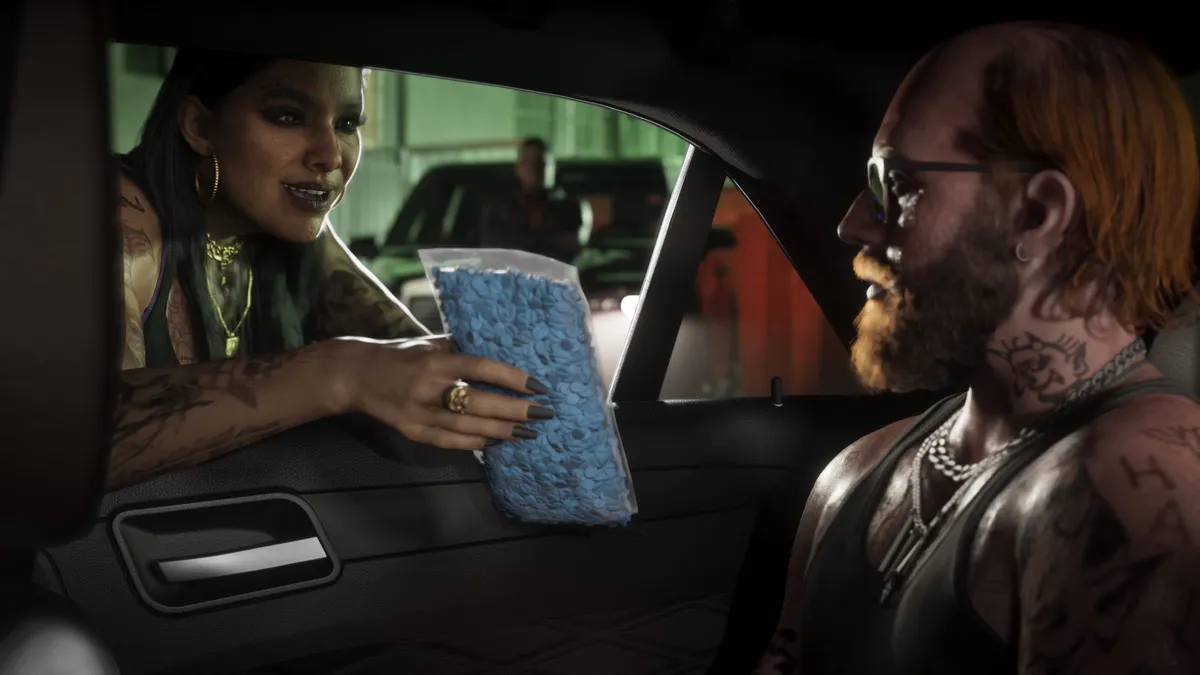
GTA controls are unusually load-bearing: the same button changes meaning on foot, in a car, in a helicopter and while aiming. The table below groups the bindings by context so you can learn the patterns instead of memorizing 40 separate buttons.
On foot: expected PS5 and Xbox layout
| Action | PS5 | Xbox Series X|S | | --- | --- | --- | | Move | Left stick | Left stick | | Look / aim camera | Right stick | Right stick | | Sprint | L3 (hold or toggle) | L3 (hold or toggle) | | Jump / climb | Cross | A | | Enter or exit vehicle | Triangle | Y | | Cover | R1 | RB | | Aim | L2 | LT | | Fire | R2 | RT | | Reload | Circle | B | | Melee / tackle | Circle | B | | Switch weapon | L1 (weapon wheel) | LB (weapon wheel) | | Phone / interaction menu | D-pad down or Up | D-pad down or Up | | Character switch | D-pad down (hold) | D-pad down (hold) | | Pause / map | Options / Touchpad | Menu / View |
Two entries are worth flagging. The interaction menu and character switch have moved between GTA V versions, so treat the D-pad assignments as provisional. On PS5, the touchpad usually opens the map or weapon wheel depending on context.
The GTA 6 PS5 guide→ explains what the PS5 and PS5 Pro versions include.
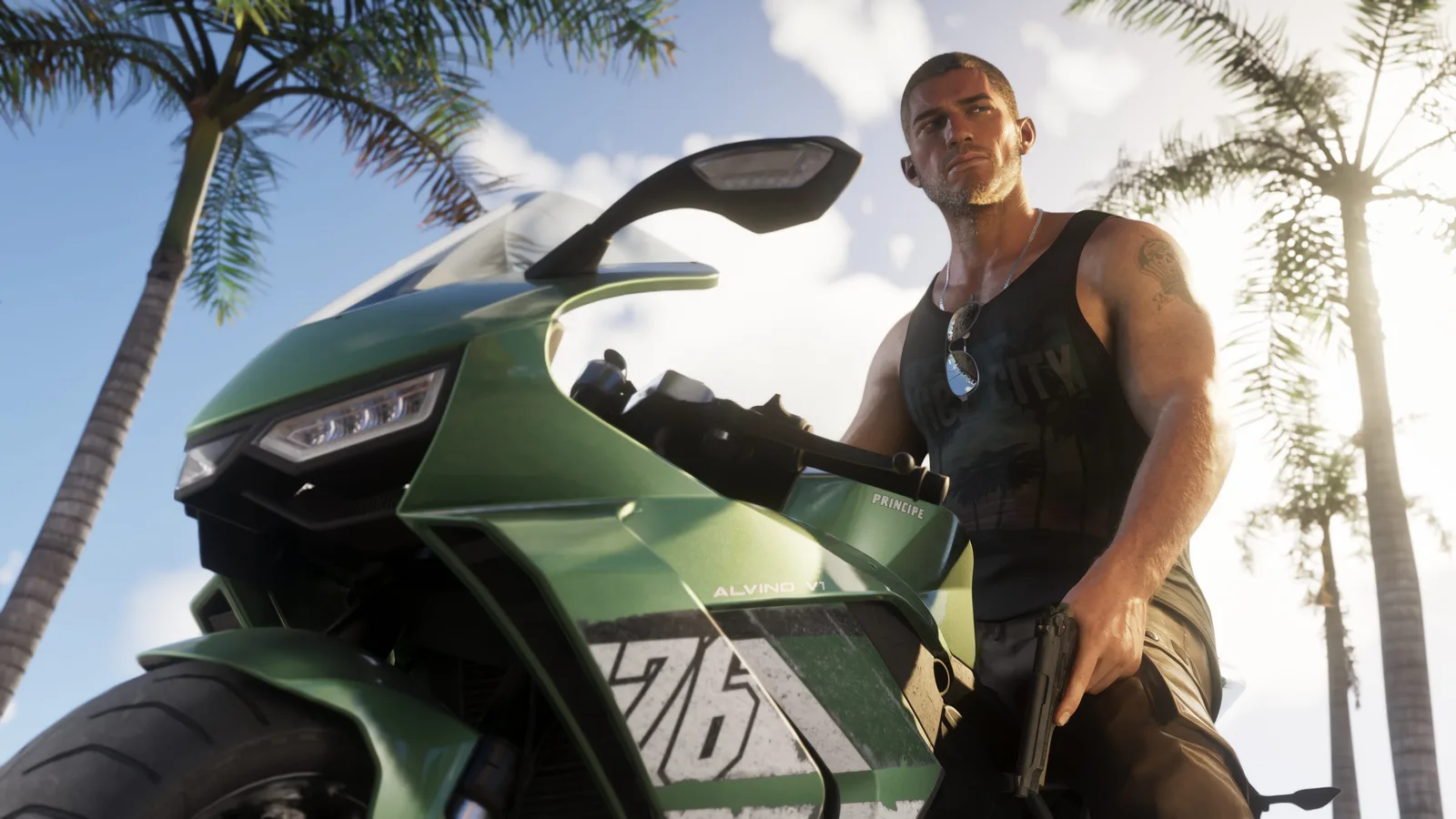
Driving and flying
| Action | PS5 | Xbox Series X|S | | --- | --- | --- | | Accelerate | R2 | RT | | Brake / reverse | L2 | LT | | Handbrake | R1 | RB | | Horn | L3 | L3 | | Look behind | R3 | R3 | | Change camera | Touchpad / View | View | | Radio wheel | L1 / hold left | LB / hold left | | Exit vehicle | Triangle | Y | | Fly: pitch | Left stick | Left stick | | Fly: yaw / roll | L1 and R1 | LB and RB |
The handbrake is the single most important driving input. Tap it to rotate the car, hold it to scrub speed. If you are coming from arcade racers, the amount of weight transfer will feel slow at first.
DualSense features on PS5
The PlayStation Store listing confirms DualSense vibration and trigger effects. Expect resistance on the accelerator and brake, plus weapon-specific feedback. If the triggers tire your hands during long sessions, reduce trigger effect intensity in the PS5 system settings rather than turning vibration off entirely.
Rockstar has not detailed adaptive trigger behavior per weapon. Any specific claim about a shotgun or sniper trigger is speculation until launch.
Settings worth changing on day one
- Aim sensitivity. Lower it by one or two steps. GTA's default is tuned for cinematic camera movement, not precise headshots.
- Aim assist. Start with full assist, then reduce it once you learn the weapon handling.
- Camera shake. Reduce or disable if long drives make you queasy.
- Subtitles. Turn them on and increase the size. The radio and ambient dialogue carry a lot of the writing.
- Invert look. Set it before the first shootout, not after.
- Controller vibration. Keep it on for driving feedback, reduce it for shooting if you play competitively.
Opening the wheel slows time, but it does not pause the game. Pick a weapon before you leave cover, not while three police cars are closing in.
Accessibility and remapping
Modern Rockstar releases ship with remappable controls, hold-versus-toggle options and subtitle customization. GTA 6 is likely to include the same baseline, but the final menu has not been shown. If a default binding hurts your hands, remap it immediately. There is no competitive advantage in enduring a bad layout.
What is still unknown
- The exact default bindings, including any new context actions
- Whether the game supports gyro aiming on PS5
- The full list of accessibility presets
- Any keyboard and mouse support on console
We will update this page with the official layout once Rockstar publishes it or the game goes live.
Frequently Asked Questions
Can I remap GTA 6 controls? Rockstar has not confirmed the final menu, but remapping is standard in its recent games.
Does GTA 6 support 60 fps? Performance modes are expected on PS5 and Series X, but Rockstar has not published frame-rate targets.
Is there a first-person mode? Not confirmed for GTA 6. GTA V added one post-launch, so a returning option is plausible but unannounced.
Do PS5 and Xbox use the same layout? Functionally yes, with different face-button labels. The table above maps them side by side.
Related setup guides
Sources and further reading
- Grand Theft Auto VI — official site ↗ — platform, story and release details.
- GTA VI official media kit ↗ — screenshots and artwork.